

Training
BitifEye provides training focused on physical layer and protocol test solutions for the conformance test and characterization of established and emerging digital high speed buses.
Training sessions can last for 1-3 days, depending on your needs, for individuals or groups of up to six. Training is only available for the standards BitifEye supports with its Test Automation Software N5991/ValiFrame. These include PCI Express®, Serial ATA®, SAS, USB®, HDMI®, DisplayPort®, MIPI M-PHY®, MIPI D-PHY®, MIPI C-PHY®. SD UHS®, Thunderbolt®, Type-C Connector, UFS® and Cable Test. Training is held according to your individual needs and groups will not be mixed.
BitifEye requires 2-4 weeks to prepare the training session according to your needs and will provide you with the documentation afterwards. Training can also be held online, but will then not include lab sessions. For further information please contact us.
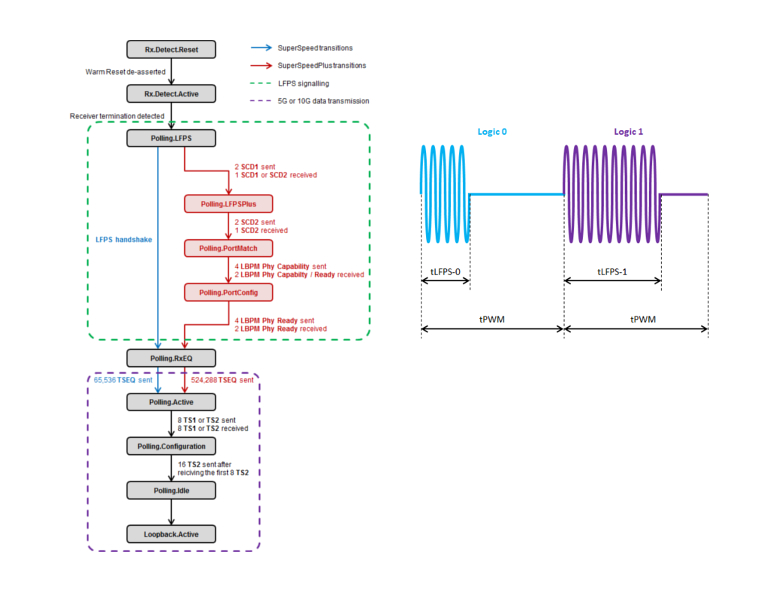
Reaching out for new markets, higher speed levels or integration of a new application often means complying with a new standard. These training modules focus on your individual needs and, if required, we will explain the standard to you from scratch. We focus on the possibilities and challenges you are faced with when establishing a new PHY layer standard and combine theoretical training with the possibility of working on our instruments with our software.
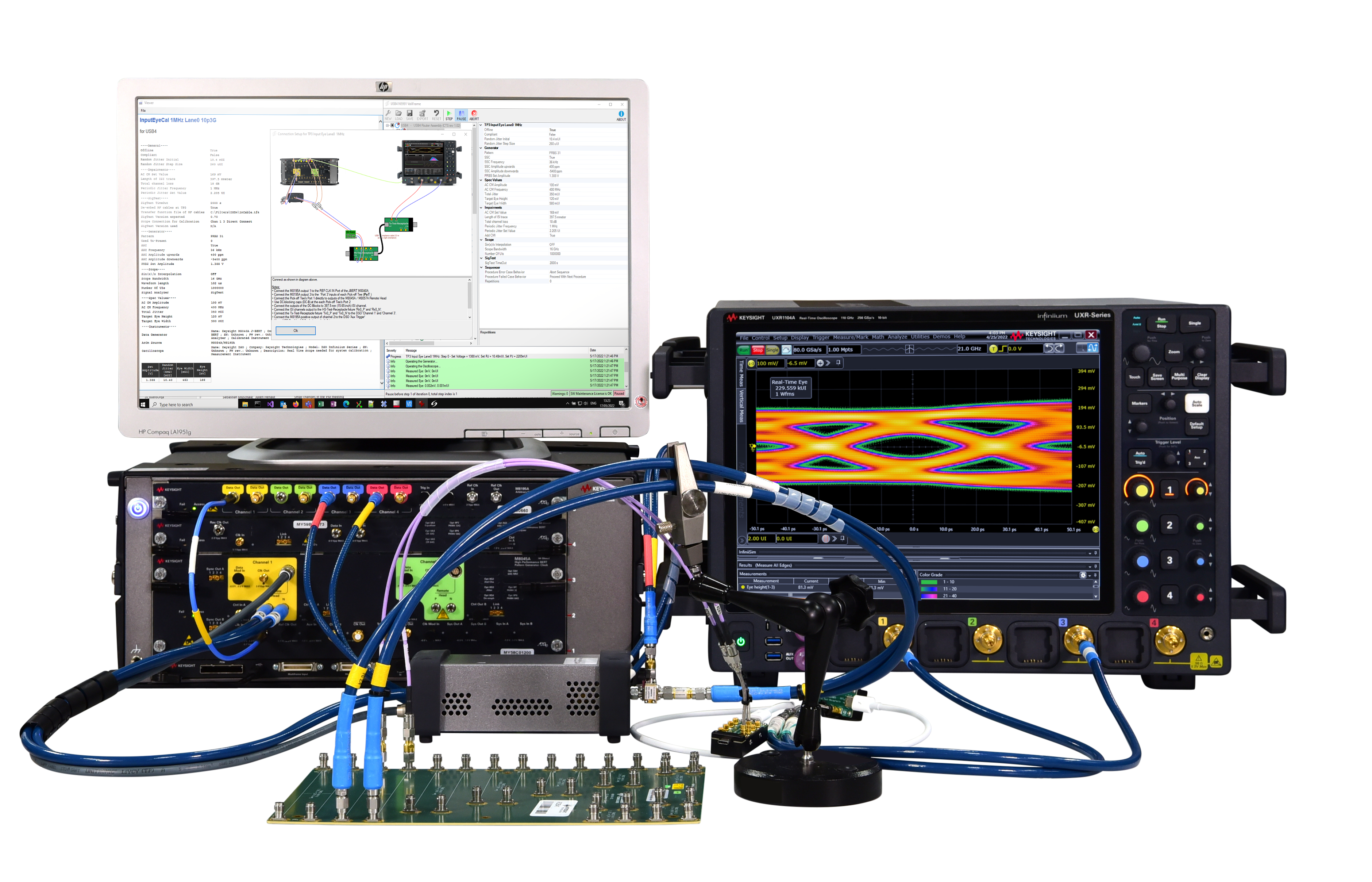
Manual testing can be error prone and may take a long time. This training unit focuses on the right test setup for your DUT (Device Under Test) and which options are available for you to speed up testing. This module is recommended for both debugging and (pre-)certification test setups.
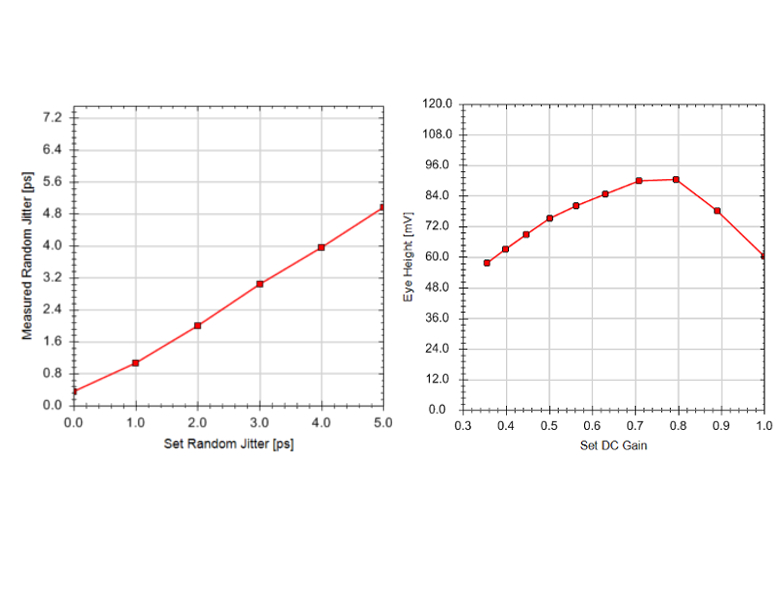
Getting the calibration right before you start testing is key for successful debugging, development and certification tests. The standards vary in their calibration requirements, but they all have in common that the calibration is usually very complex. Sometimes it becomes impossible to calibrate the test system manually. This module focuses on the different options, starting with manual calibration and progressing to how to automate it with our test automation software and the right set of associated accessories.
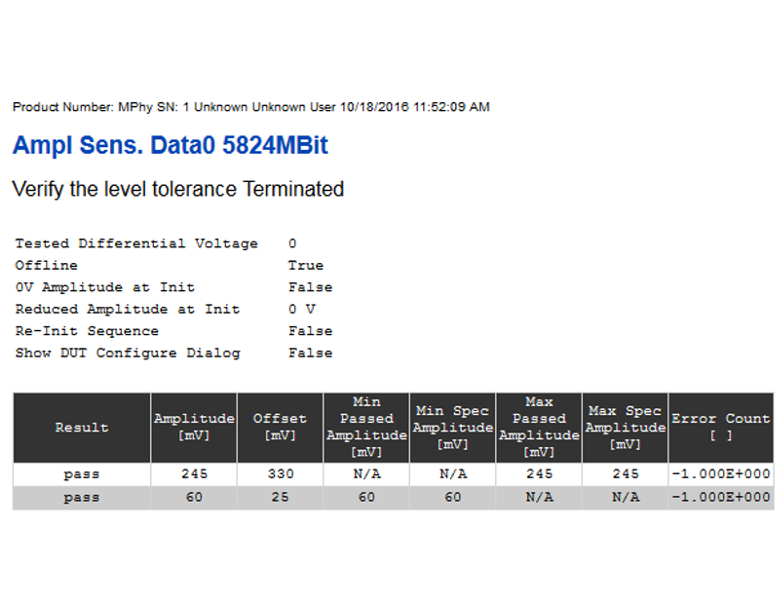
Error reading of the DUT is a key requirement for development work. We outline the different ways of doing this and help you with the implementation of specific features in your device. This module helps with effectively designing an error counter to save time and resources.
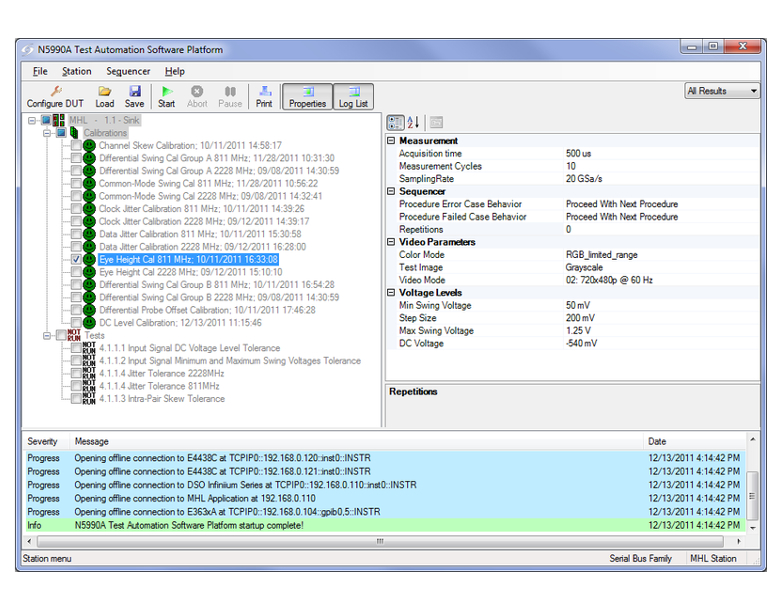
Learn how to enlarge your test possibilities within N5991 / ValiFrame. Explore different options of the expert mode, discover debug possibilities with our Link Training Suites or Frame Generators, or open up new opportunities by integration of additional ValiFrame tools such as the Integrated BER Counter Interface or User Programming. This module is recommended if you are a new user or if you would like to go beyond strict CTS testing.
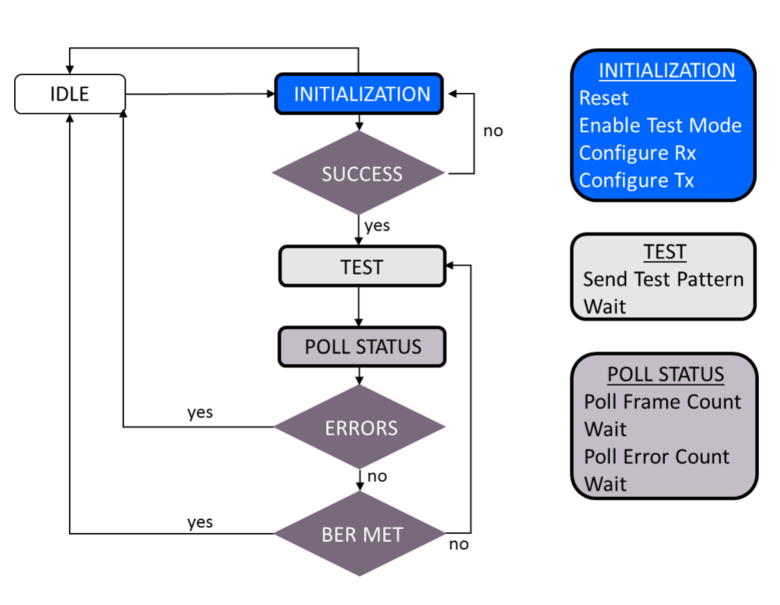
Get the most out of our pattern generator solutions! Real-life testing works best if a realistic pattern is sent to the device. This module explains how to easily use N5991 / ValiFrame to create such patterns with your own codes and proceed with testing.